
How DotQuot’s Dots work
A Dot is a small record of a day you paused—connected to the thought you chose and ready to revisit later.
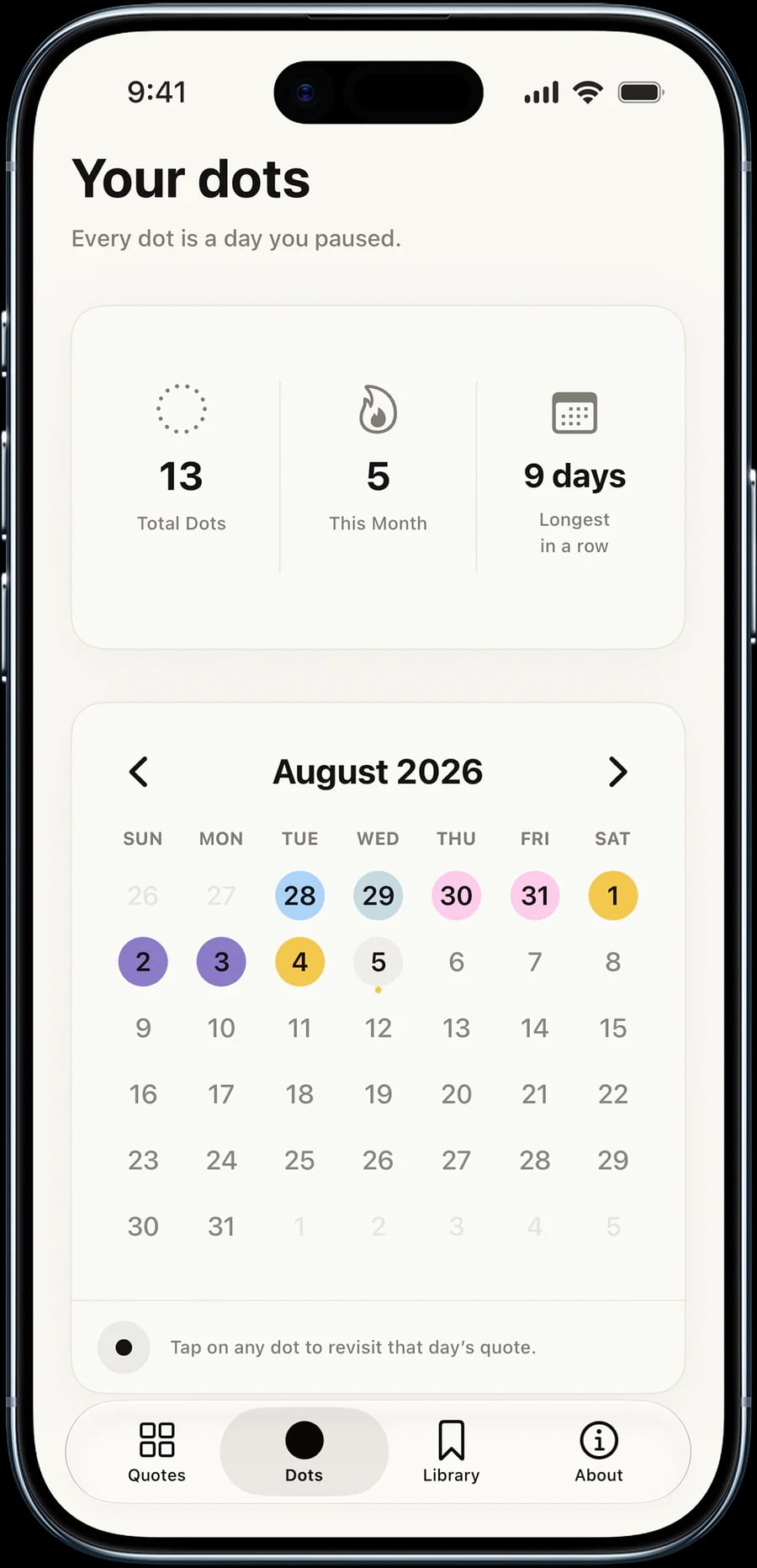
Dots are DotQuot’s way of remembering the days when you made a little room to pause. Each one connects a calendar date with the thought you received that day, turning separate moments into a quiet history you can return to.
They are intentionally small. A Dot is not a journal entry to complete, a score to improve, or another task asking for attention. It is simply a marker: you stopped, chose what you needed, and spent a moment with one thought.
How a Dot begins
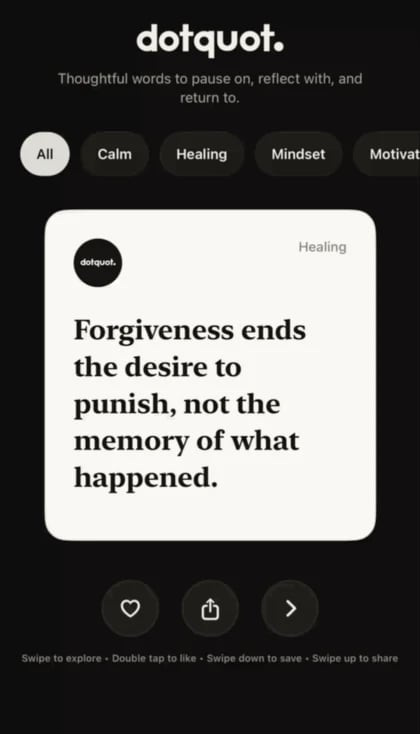
When you open DotQuot for your daily pause, you can choose the kind of perspective that fits the moment—such as Calm, Healing, Focus, Motivation, Mindset, or Reflection. DotQuot then brings forward a thought from that category.
That daily moment becomes a Dot. Behind the simple circle, DotQuot can retain the calendar date, quote text, author, category, and the time the Dot was created. This is what makes it possible to revisit the thought rather than merely remember that you opened the app.
Revisiting a past thought
Open the Dots tab to see your history by month. Days with a collected Dot appear as colored circles. Tap one of those circles to reopen the quote connected to that date.
The page also shows simple summaries such as your total Dots, the number collected during the current month, and your longest run of consecutive days. These numbers can reveal a rhythm, but they are not the purpose of the practice. The useful part is being able to find the thought that met you on a particular day.
Where your Dots are stored
When iCloud is available, DotQuot can keep your Dots history in your private iCloud database and make it available across your Apple devices. This private sync is separate from Sign in with Apple, which remains optional.
If private iCloud storage cannot be opened, DotQuot may use local-only storage instead. Dots created in that fallback are not guaranteed to move automatically into iCloud later, so iCloud availability matters if cross-device history is important to you.
A gentle rhythm, not a perfect streak
A useful reflection habit should still leave room for ordinary life. Some weeks will contain many Dots; others may have only one. Both can hold something worth returning to.
The point is not to fill every circle. It is to make a few moments visible—one day, one thought, and one Dot at a time.